

Appearance
AI Coding
NextEpoch's browser editor supports AI coding assistants — including Claude Code — so you can go from a prompt to a deployed application without leaving the platform.
The Workflow
Here's what it looks like to build and ship an app with AI assistance:
1. Open the editor and start a conversation
Open your app's editor and launch your AI assistant. Describe what you want to build.
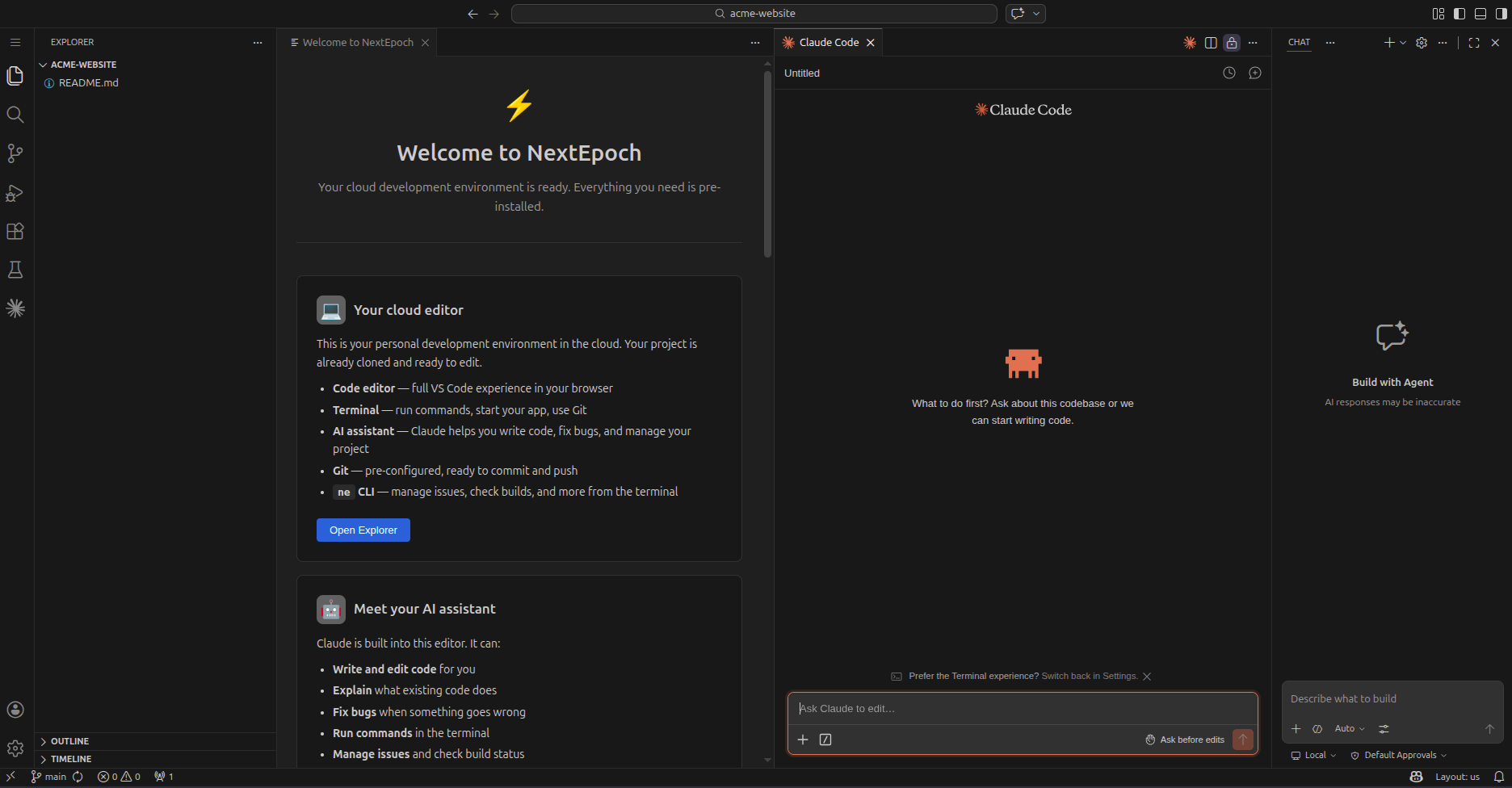
2. Let the AI plan the work
The assistant breaks your request into a task list and starts generating code.
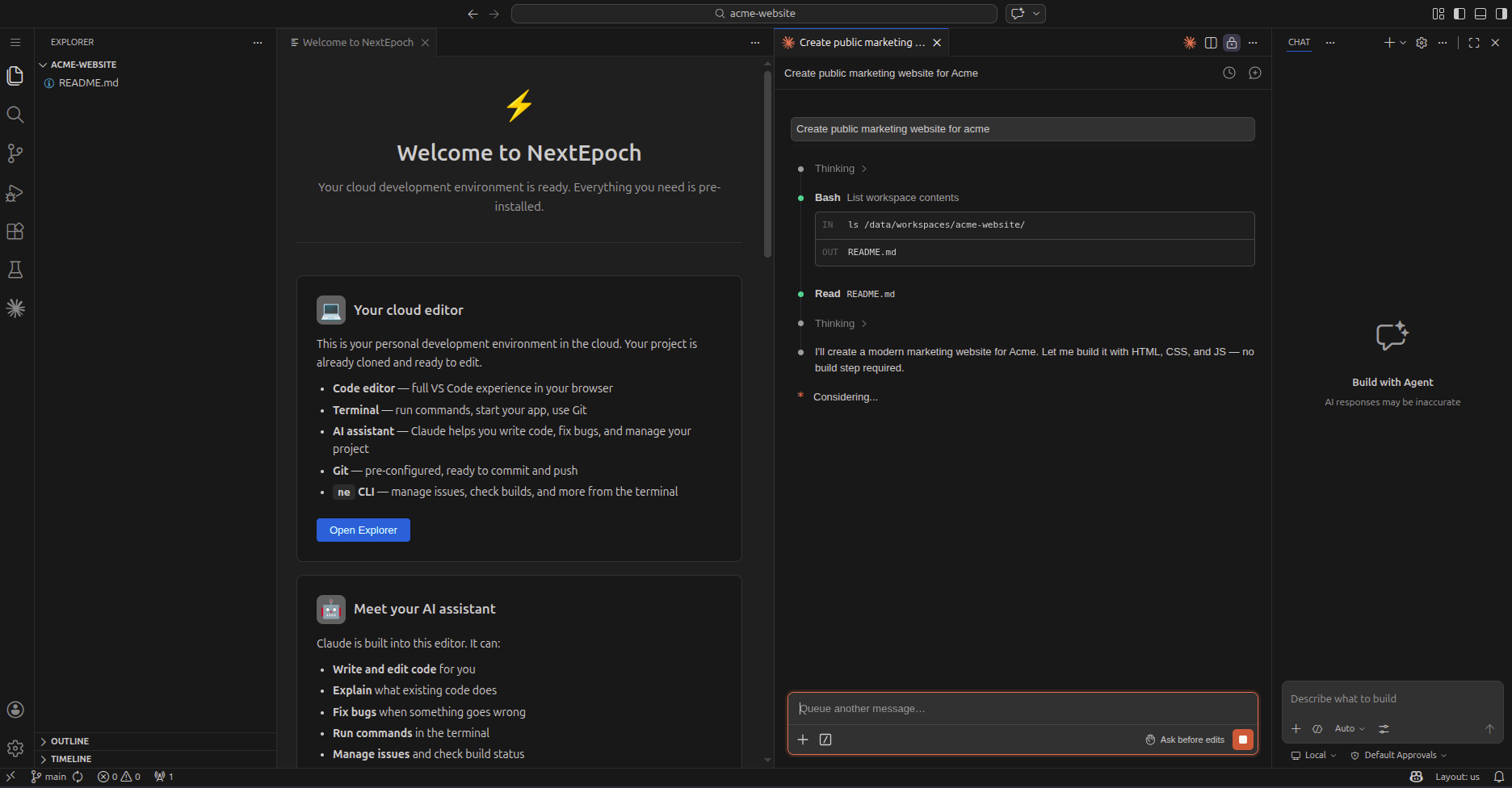
3. Review the generated code
The AI generates files, components, and configuration. Review what it created in the editor's file explorer.
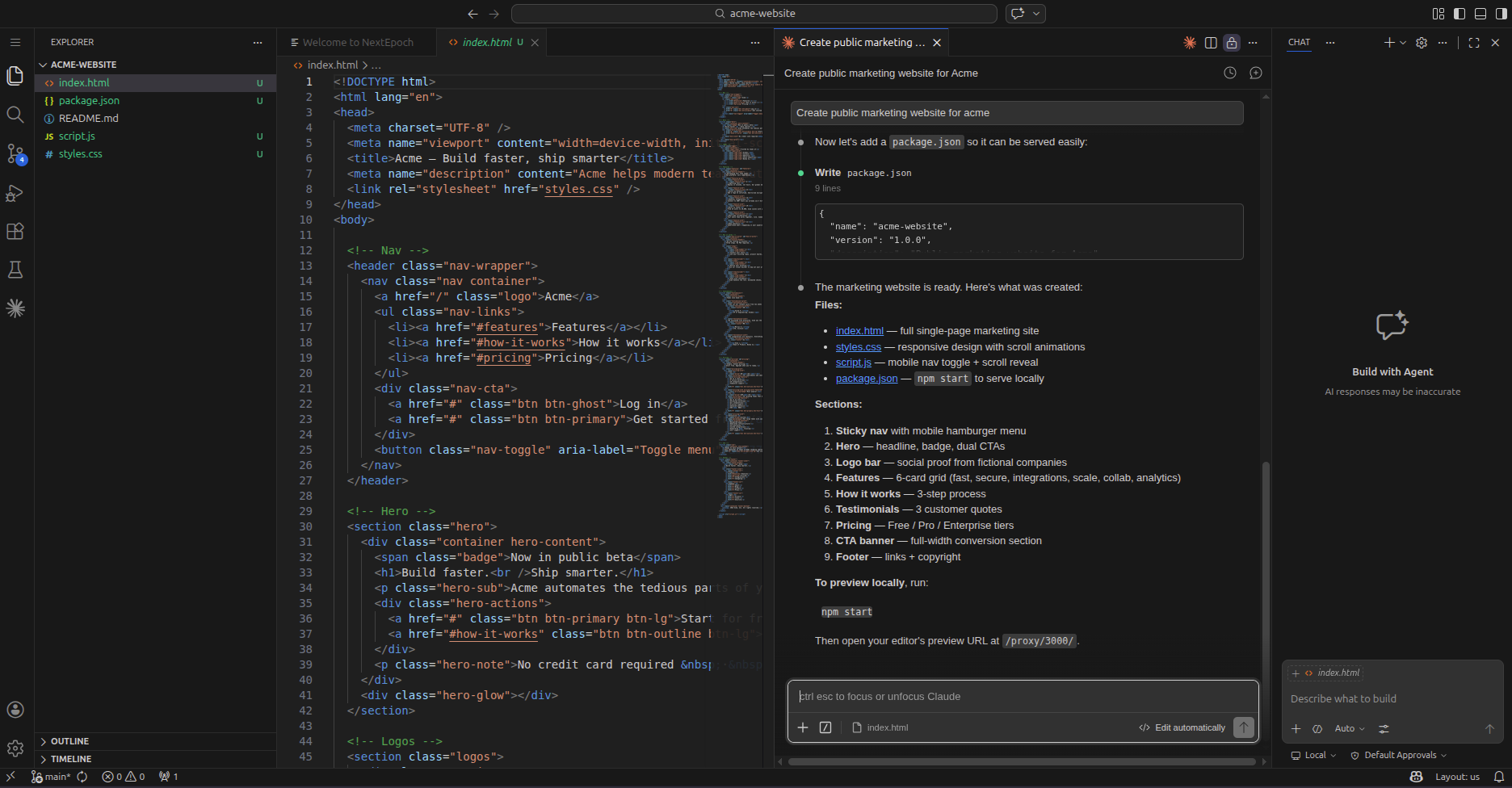
4. Iterate with follow-up prompts
Ask for changes, refinements, or new features. The AI works within the same codebase context.
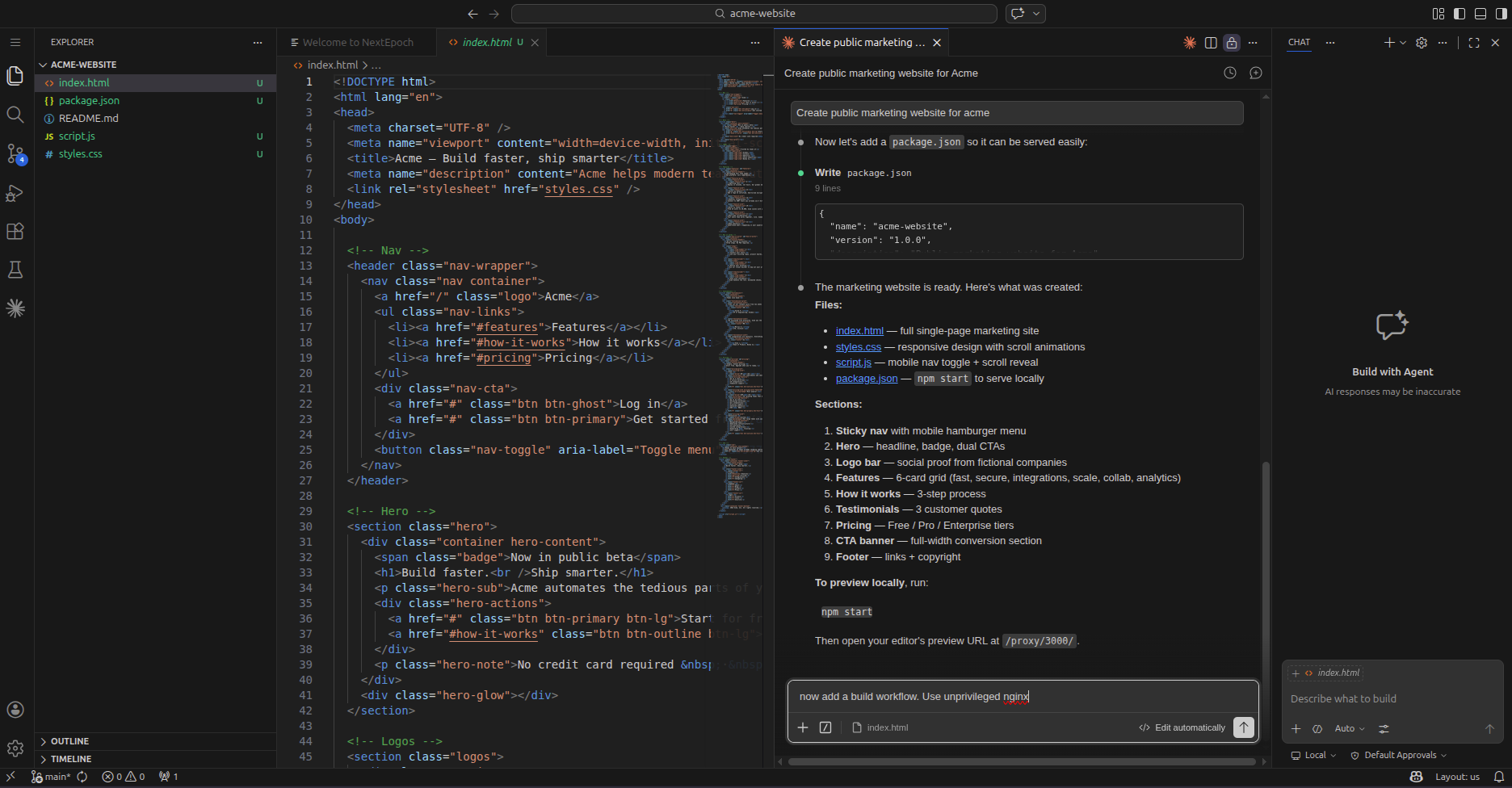
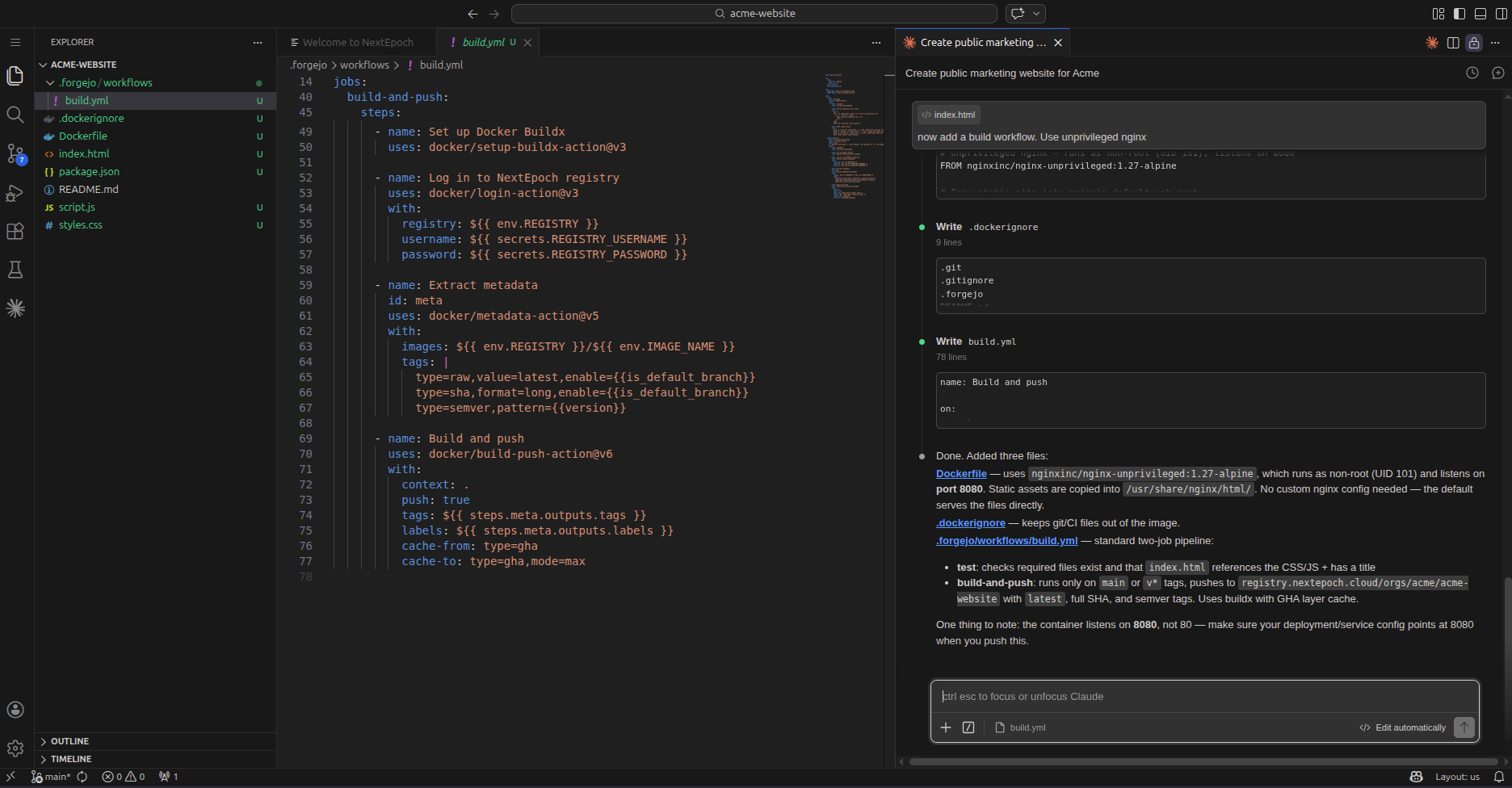
5. Add a build workflow
The AI can create CI/CD workflow files for your app, so the pipeline runs tests, security scans, and deploys automatically.
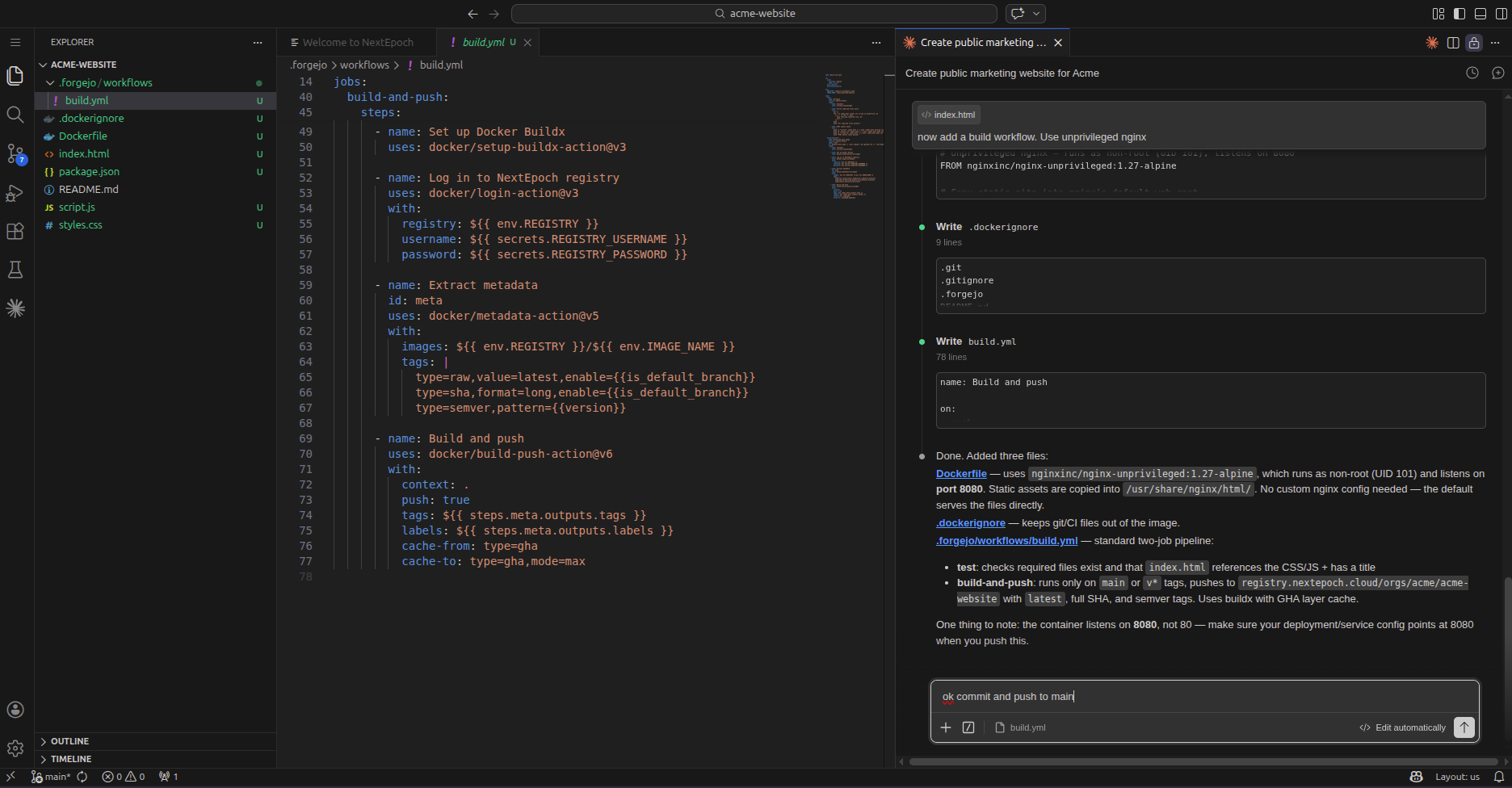
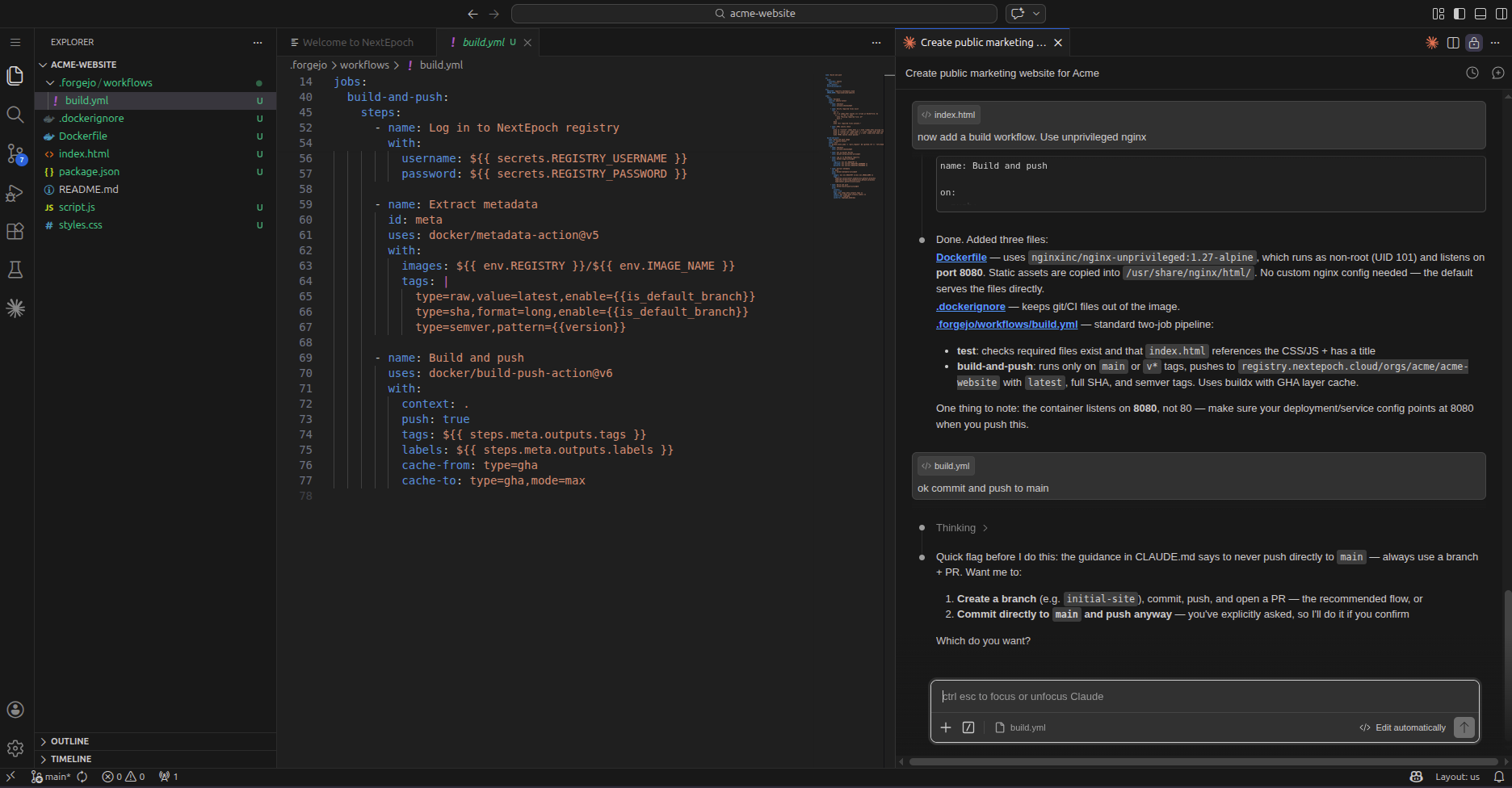
6. Commit and push
When you're ready, commit your changes and push. The AI can handle git operations too.
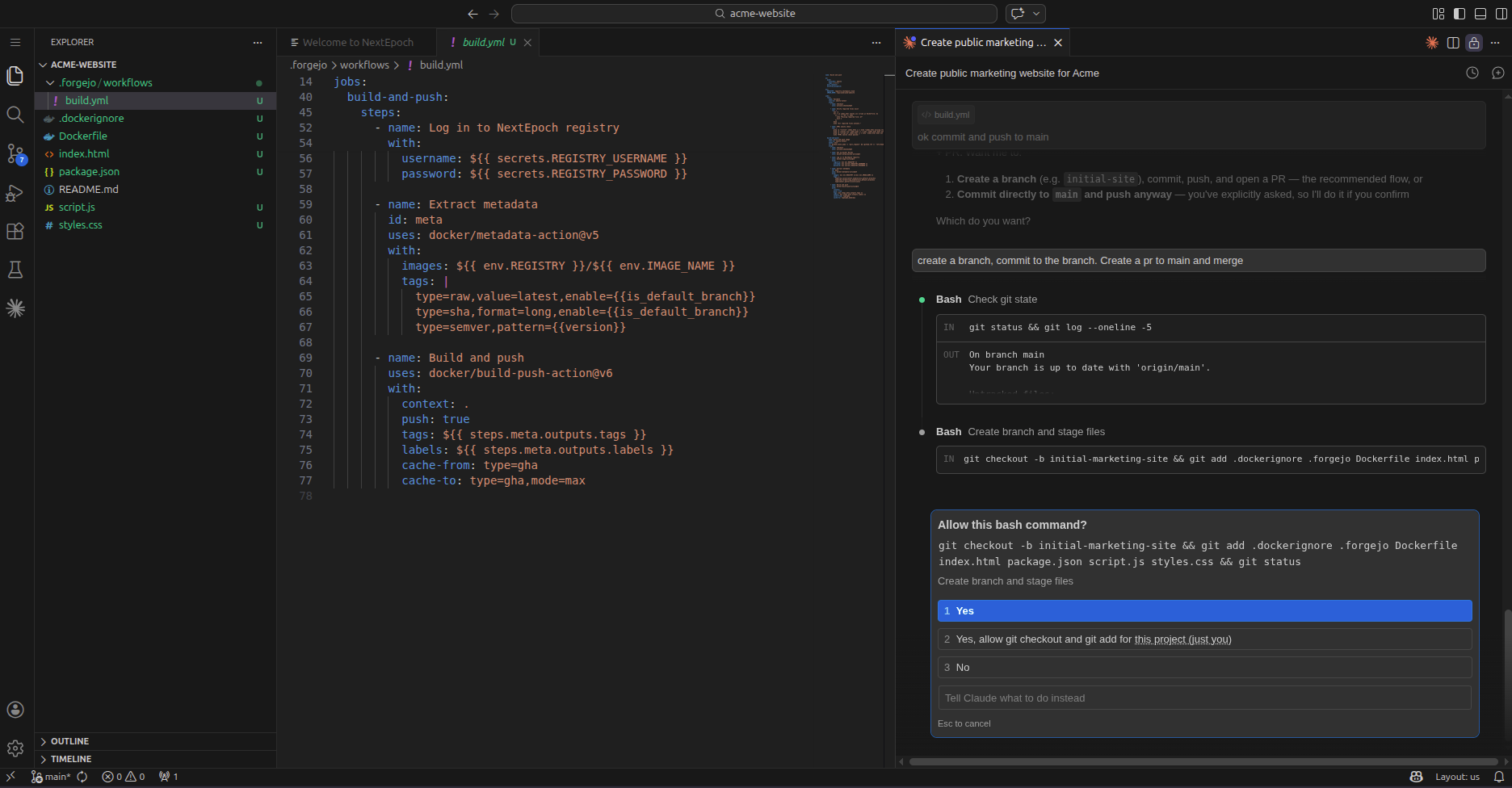
7. Approve the push
Review what's about to be pushed before it goes to the repository.
8. Watch the pipeline run
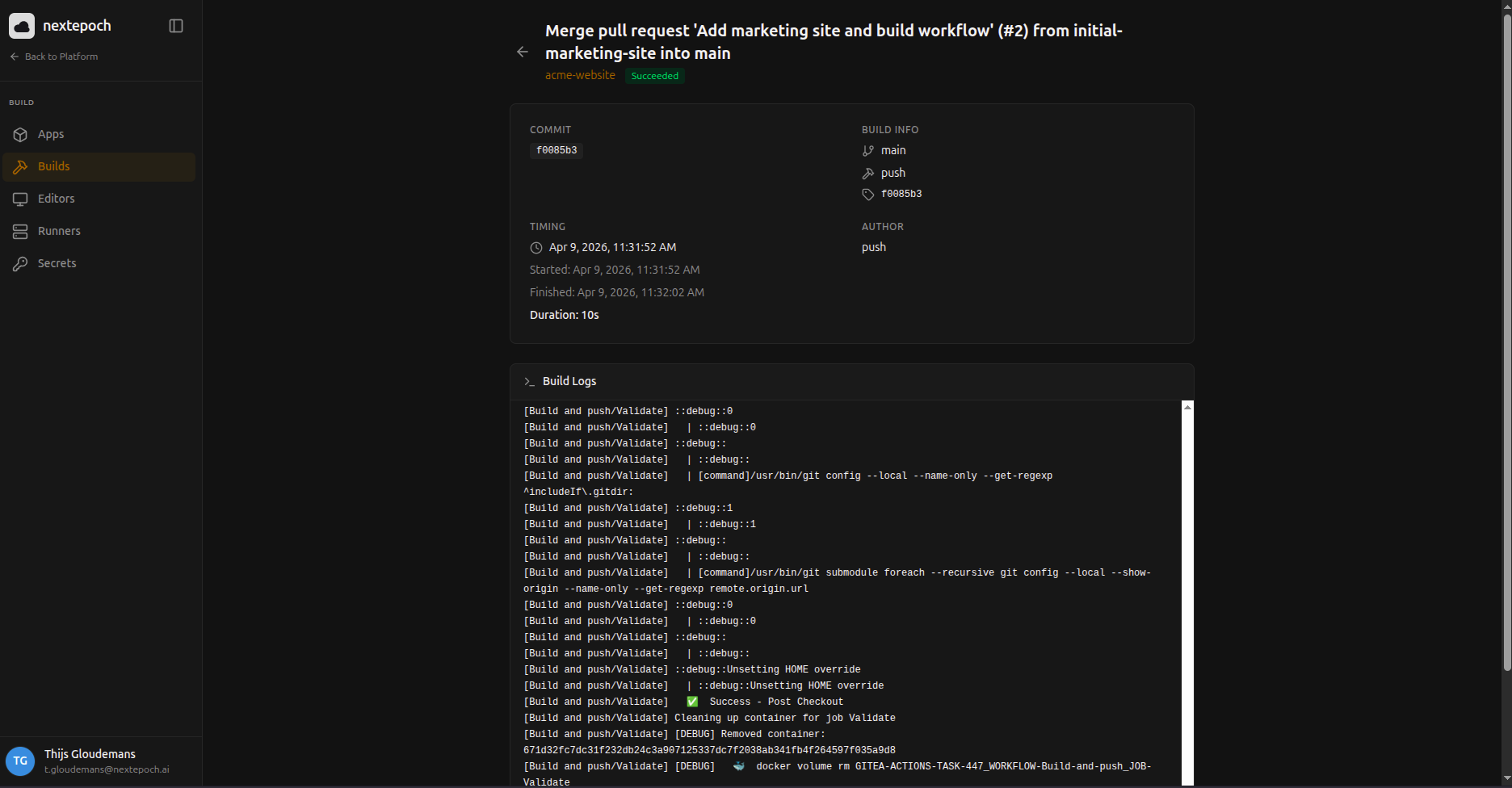
Your push triggers the full pipeline — build, test, security scan, compliance scan, deploy.
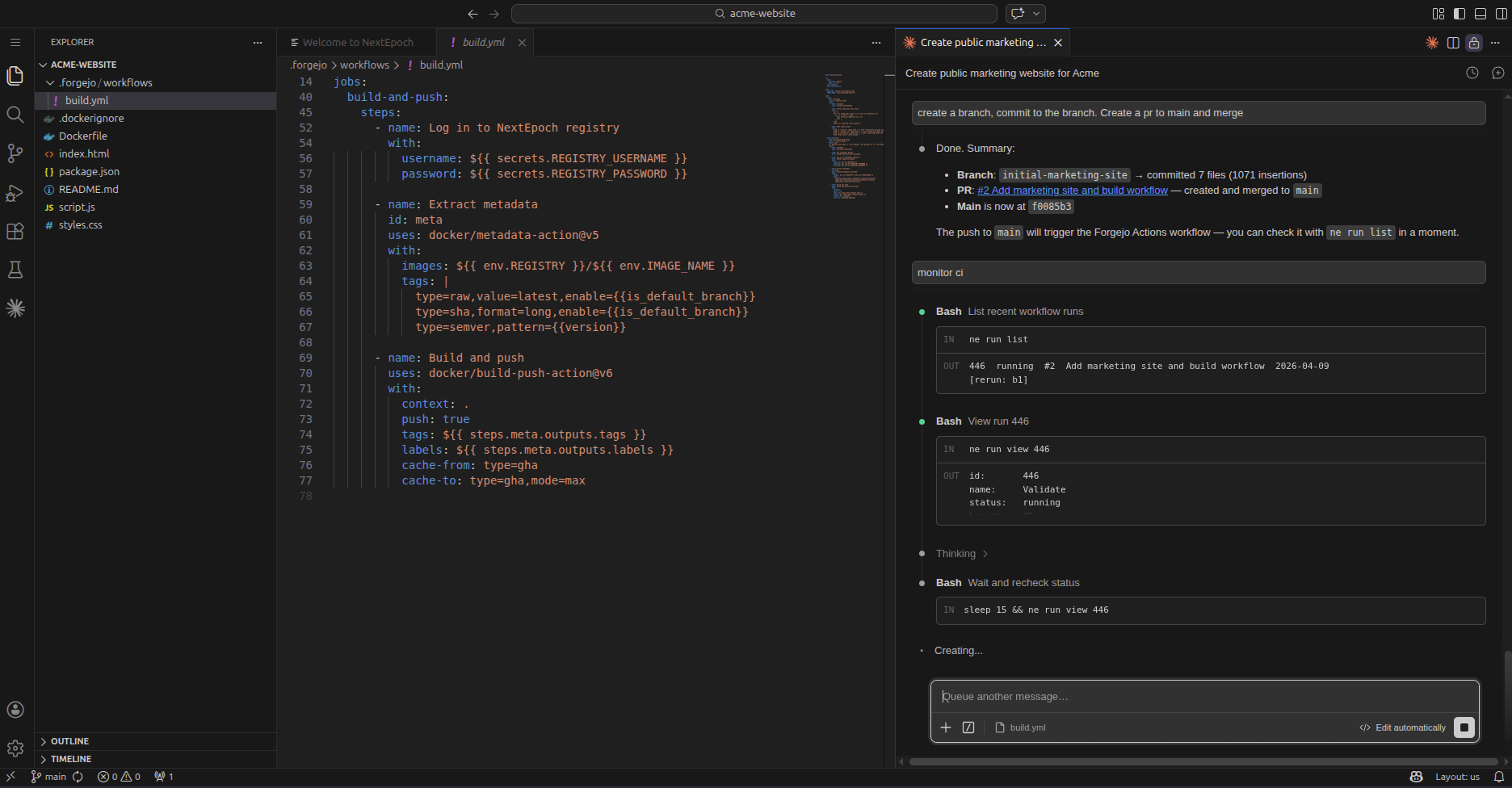
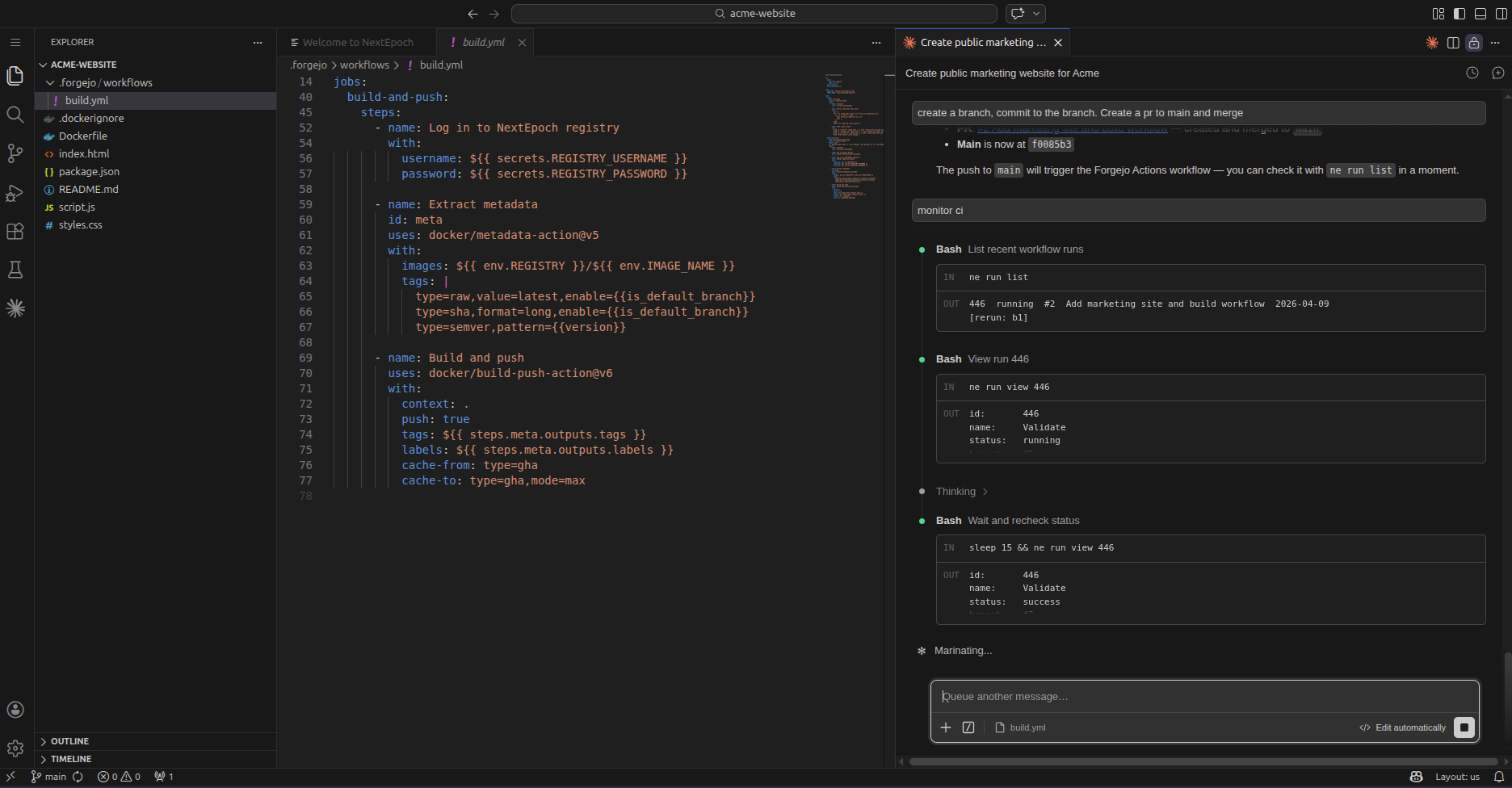
9. App is live
The pipeline completes and your app is deployed to its own subdomain.
Supported AI Assistants
Any supported AI coding extension that works with the browser editor can be installed from the extension panel:
- Claude Code — Anthropic's CLI-based AI coding assistant
- GitHub Copilot — AI pair programming and chat
- Continue — Open-source, works with any model
- Cody — Sourcegraph's AI coding assistant