

Appearance
Editor
NextEpoch includes a VS Code-compatible editor that runs in your browser — no local setup required.
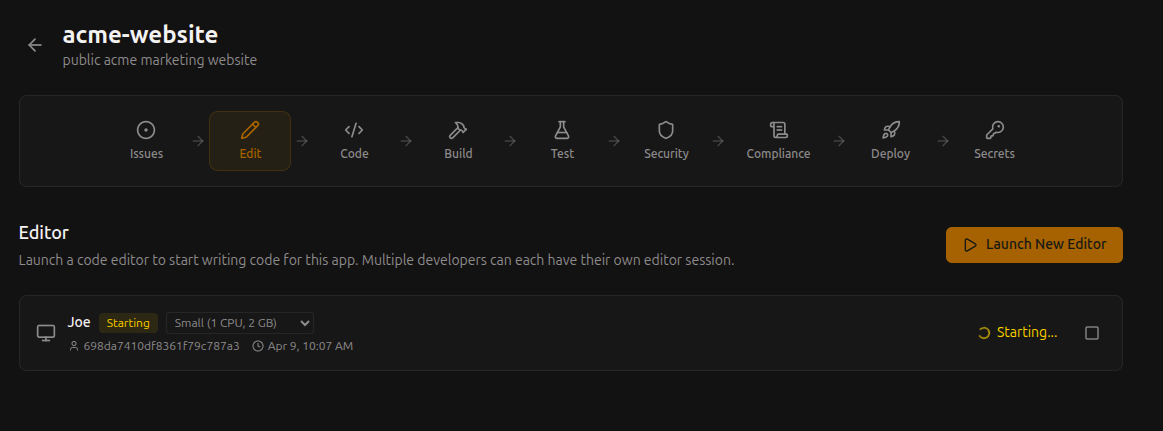
How It Works
The editor runs in an isolated workspace managed by the platform. Each developer gets their own session with a dedicated terminal, debugger, and extension support.
Opening the Editor
- Navigate to your app in the portal
- Click Edit on the pipeline bar
- Choose a session size
- The editor opens in a new tab
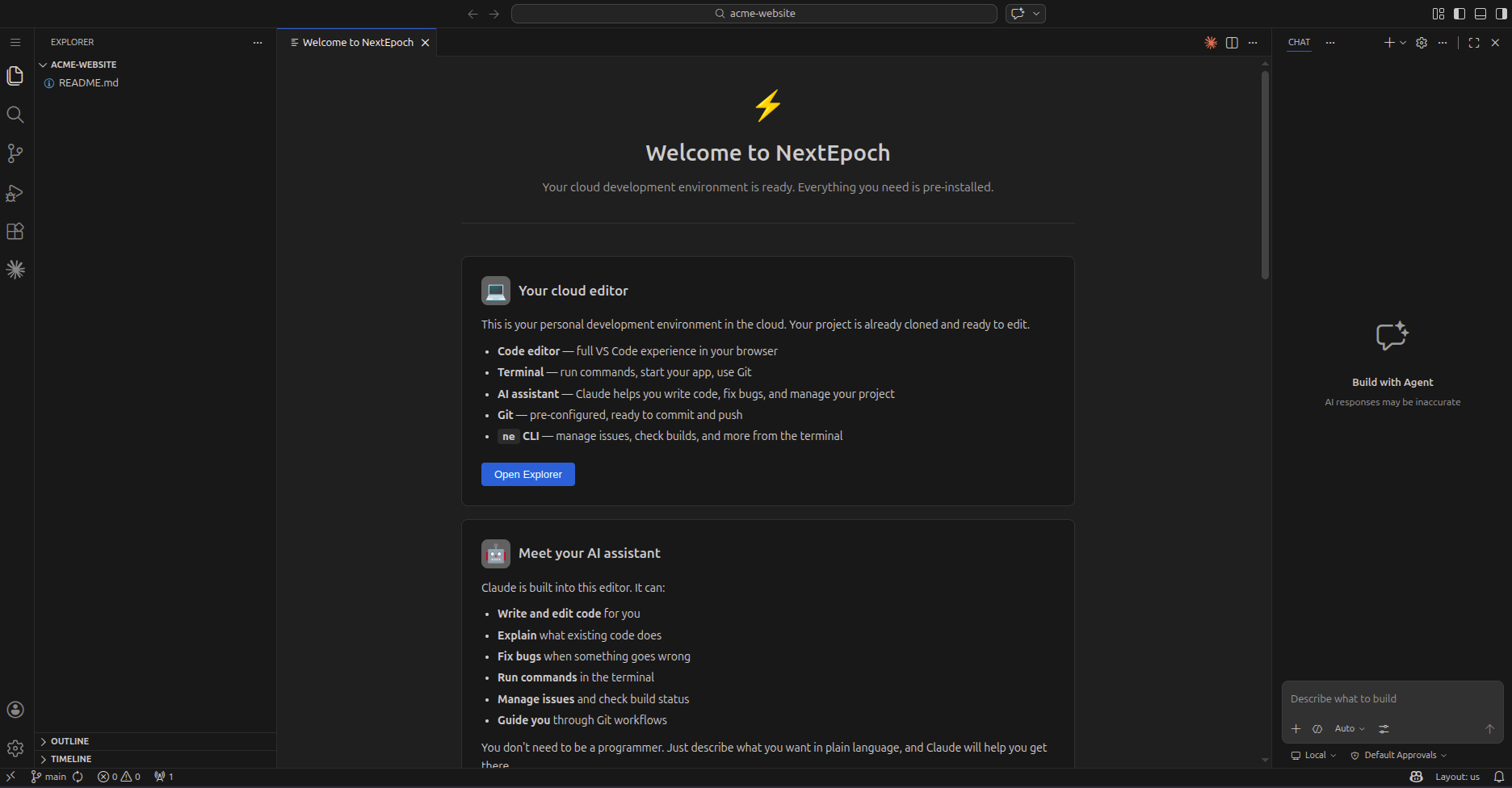
Session Sizes
Each editor session runs on its own container. Choose a size based on your workload:
| Size | CPU | Memory | Best for |
|---|---|---|---|
| Small | 1 vCPU | 2 GB | Light editing, small projects |
| Medium | 2 vCPU | 4 GB | Most development work |
| Large | 4 vCPU | 8 GB | Large codebases, heavy builds |
Extensions
Install supported editor extensions from inside the workspace. This includes AI coding assistants:
- Claude Code — Anthropic's AI coding assistant
- GitHub Copilot — AI pair programming
- Continue — Open-source AI coding with any model
Extensions persist across sessions for each developer.
Multiple Developers
Multiple developers can each have their own editor session on the same app. Each session is isolated — your own terminal, your own extensions, your own workspace state.
Git Integration
The editor connects to the app's Git repository. Use the built-in Git panel or terminal to:
- Create and switch branches
- Stage, commit, and push changes
- Create pull requests
- Resolve merge conflicts